Maps and Geolocating
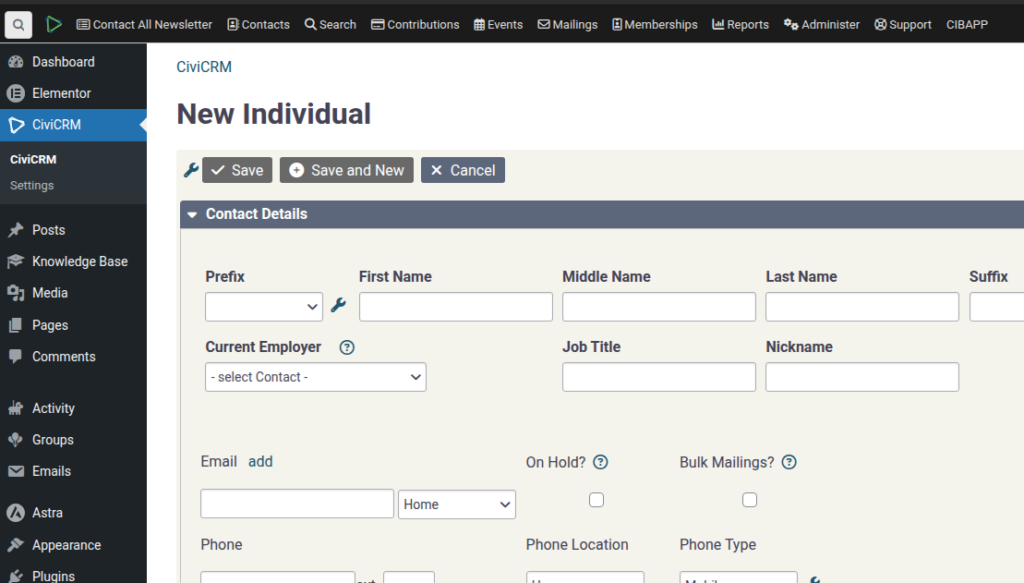
SPEAKER_00 (00:01 – 00:39): Now I want to show you how to use the mapping functions. So let’s put in a few addresses. So let’s create a contact here and we’ll put the address as 1 Main Street in Sanford Valley. Queen’s land. Actually, Before we do that, we’re just going to jump over to System Settings and GeoCoders. You just need to make
SPEAKER_00 (00:39 – 00:52): sure that your GeoCode is turned on. So it is turned on, so that’s fine by default, but just to note that we’re using OpenStreetMaps as the geocoding.
SPEAKER_00 (00:56 – 01:06): And for the purposes of this demonstration, I want you to go in here and also enable search for ChartKit.
SPEAKER_00 (01:17 – 01:51): So, search kit, this one here. I need to install this one. Hopefully it just works. It didn’t take a sec to install, but now we see that it’s installed. Okay, so now we go up to All Contacts. We’ve got an address here. And what we do is we go into Search and Search Kits.
SPEAKER_00 (01:55 – 02:46): And we’re going to go to New Search. contacts with the address and select fields. We’re going to add the latitude, so search for latitude and longitude. There we go. Search. OK, so you can see that this address has a latitude and longitude, so that’s good. And finally, we’re going to add a map. display and we have to choose the latitude and longitude and you can set you can set some add some info
SPEAKER_00 (02:47 – 03:06): to it that that map search and so now you have to click on the map search, and then you can do results.
SPEAKER_00 (03:10 – 03:29): Why is it not showing? Oh, sorry, I can do display, and then you have the map there. So, if we were to add in, let’s add in one more user. So, test two.
SPEAKER_00 (03:37 – 04:08): going to be a duplicate. Alright, so we go into this guy and let’s add in another address and call this one on Main Street in Bayborough, which is a different town nearby. And if we refresh that, re-preview actually.
SPEAKER_00 (04:13 – 04:23): You have to research it I think. Oh, I didn’t pick up the address for some reason, why not?
SPEAKER_00 (04:28 – 04:53): Maybe because there’s no Main Street in Debra. I don’t know what the address is in Debra. Hay Road, let’s call it. One Hay Road. Okay, back to our search form.
SPEAKER_00 (04:57 – 05:35): And now we have two addresses. So this is a really nice way of doing donor Donor maps or doing like looking for like creating maps of Call flute locations things like this We used we use that mapping fairly extensively to demonstrate to show to people How we’re going and also so having a having a reliable geocoding and mapping service is quite nice.