Multi-lingual / Multi-site setup
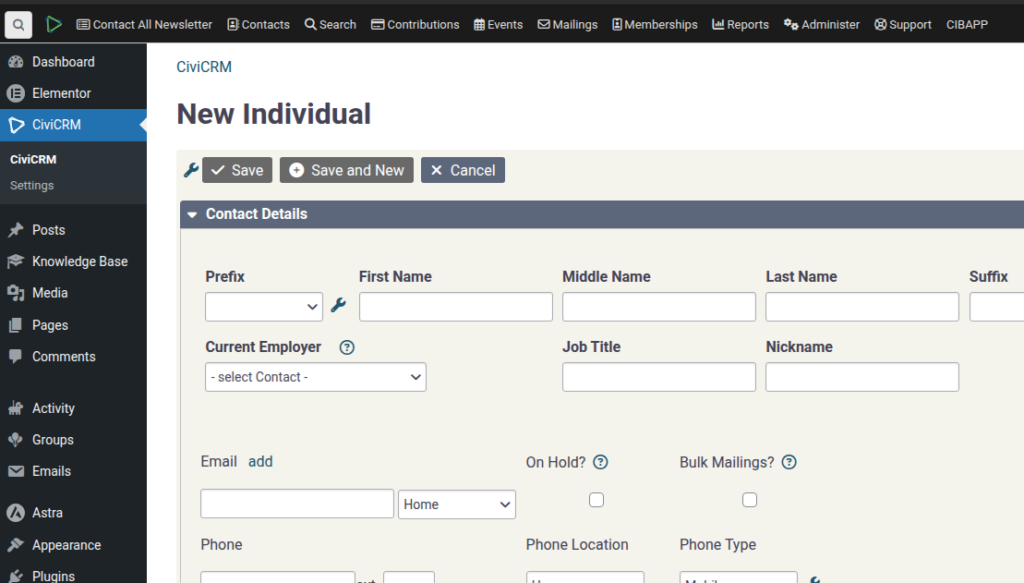
SPEAKER_00 (00:01 – 00:40): I want to demonstrate to you how to use the multi-site feature of Campaign in a Box, or actually WordPress, so that you can do multilingual sites or having different campaigns sharing the same CiviCRM database. So if you make a request to us, we’ll enable this, but you get a sites option up here. And you can add a new site.
SPEAKER_00 (00:48 – 01:21): So, straight off what happens is it creates as a sub-path. So that’s when you Let’s see it here. So here you’ve got now… So you can see that we’re looking at the admin site of the subpath. There’s no pages here anymore, unlike the main site. You can visit the site and you can see it’s completely different to the main site.
SPEAKER_00 (01:23 – 01:35): If you want… Oh, sorry. In order to reproduce all of the same features, you will need to, like, Copy across all the data, activate all the same plugins, etc.
SPEAKER_00 (01:40 – 02:19): If you want to have a different domain, that means up here, if you want this URL to be different, then here I’ve done a test before, you actually need to go and re-edit the one that you just created. So edit, I’ll just go into the one that I just did, and then you change the site address. So I’ve added That’s the same database as the main one.
SPEAKER_00 (02:23 – 02:37): The users on each site, there are certain configurations you can do for that. But, yeah, that’s what I would be looking at.