Donation Workflows
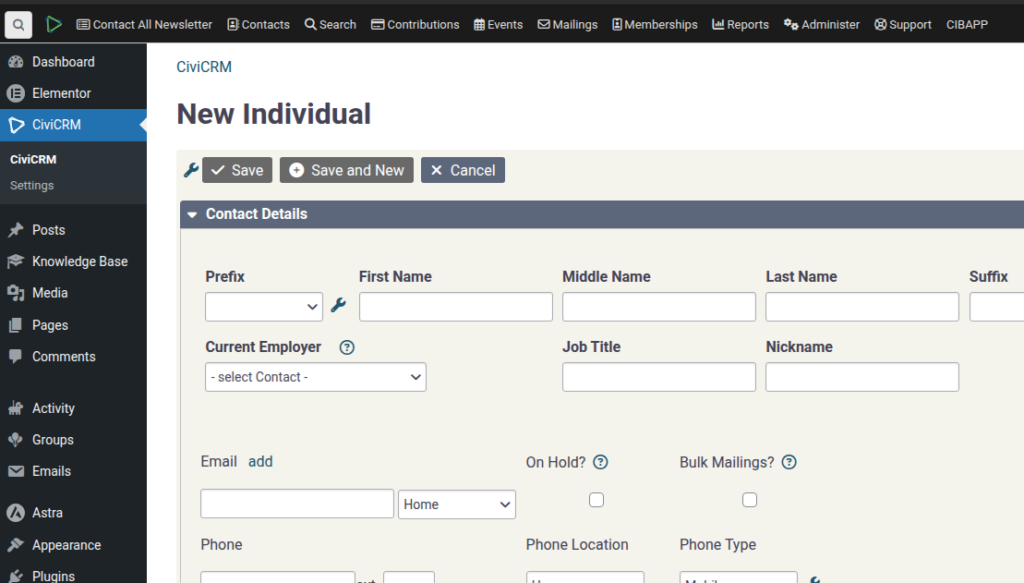
SPEAKER_00 (00:01 – 00:15): OK, I want to do a quick demo on the donation workflows. So we’ve got the donation test here. We’re going to do a quick donation, $50. And I’ve just used…
SPEAKER_00 (00:18 – 00:29): I’m donating for a second time on this email address. I did the first one earlier. So do a contribution. And if all goes well…
SPEAKER_00 (00:31 – 00:59): Then, on your dashboard here, there’s a contribution reporting dashboard which you can drag down like this. And what that does is it shows you recent donations. So, in this case we can see that there was two donations from the same contact. We can open it, we can see their donations here.
SPEAKER_00 (01:02 – 01:35): Also in this report I’ve made it so that it adds up what the total amount that this person has donated. So the idea of this workflow is that you would go and do the real-time reporting, whatever you need to do on your various systems, and then once you’re done you just say, yes, I’ve reported that, and then it would go away. So hopefully that’ll help.
e