CiviCRM/WordPress Permission Sync
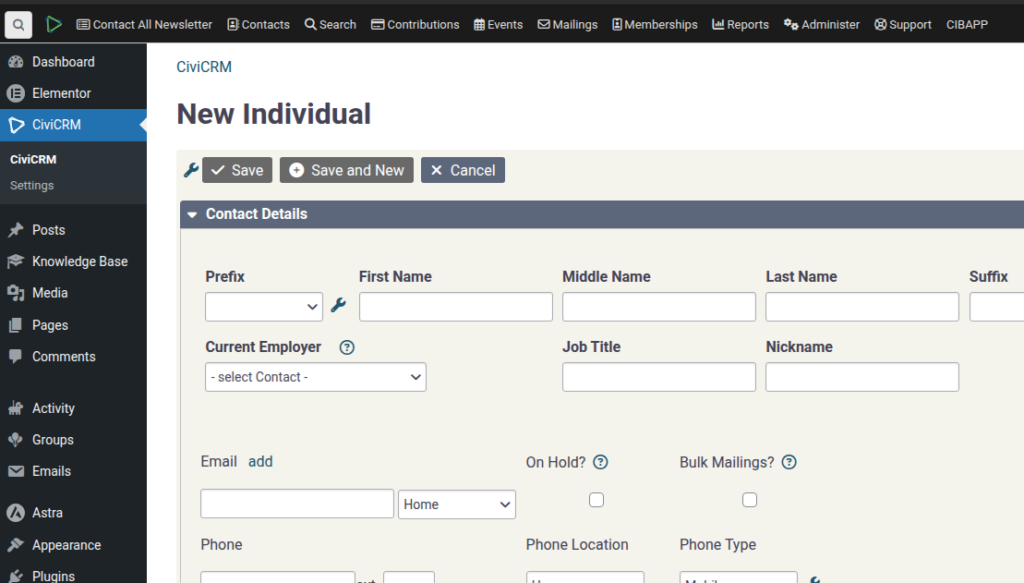
SPEAKER_00 (00:02 – 00:44): I want to introduce you to the Campaign Inbox Role Sync plugin. It’s a CiviCRM plugin, and what you can do with it is you can synchronize any custom Boolean flag. So in this case we’ve got the IsVolunteer and the IsHubManager, and we can choose the group membership optionally, the WordPress role membership and whether this value is true, whether it should create a WordPress user. So the membership is determined if these values are true.
SPEAKER_00 (00:45 – 01:20): So our default setting is the IsVolunteer creates a member in the group, volunteer group, and the and the WordPress role. So, as a test, we can… Oh, yes, so one more thing is, by default, we also set up these rules here. Two rules, so basically, if the volunteer status,
SPEAKER_00 (01:22 – 01:58): so that’s when we’re creating When we’re creating this field here, if the volunteer status is 1 of inducted, active leader or inactive, then we set the isVolunteer to 1, and then there’s another rule there that does the inverse. So, if I create a volunteer with inducted, then what happens, so
SPEAKER_00 (01:58 – 02:34): the flow is, At this point we will have the IsVolunteer flagged as Yes. Because of this setting here, this user will get added to the volunteer group, the volunteer role, and because of that flag there it will get a user. So here we are, that’s the new user, it’s got the volunteer flag. If we go into this we should see that They have a volunteer group. If we were to change that,
SPEAKER_00 (02:35 – 02:58): if we were to add a Hub Manager, so this is just this, there’s no rules that are driving this. If you set that to true and refresh the screen, you’ll see that now they’re Hub Manager. Likewise, if you were to turn that off and that one, then likewise both of those roles would be converted and removed.
SPEAKER_00 (02:59 – 02:59): Oops!